RClaude: Claude Code in the browser, on your phone and over MCP
Claude Code is a terminal app. It runs on one machine, in one terminal, and the conversation lives there. RClaude moves it onto a server and gives you four ways in:
- a web terminal with the real
claudeTUI, - a phone-friendly chat view,
- a REST API,
- an MCP server, so other agents (a claude.ai connector, another Claude Code) can start and continue sessions.
It’s self-hosted, single-user, and ships as one Docker image.
Two ways to work
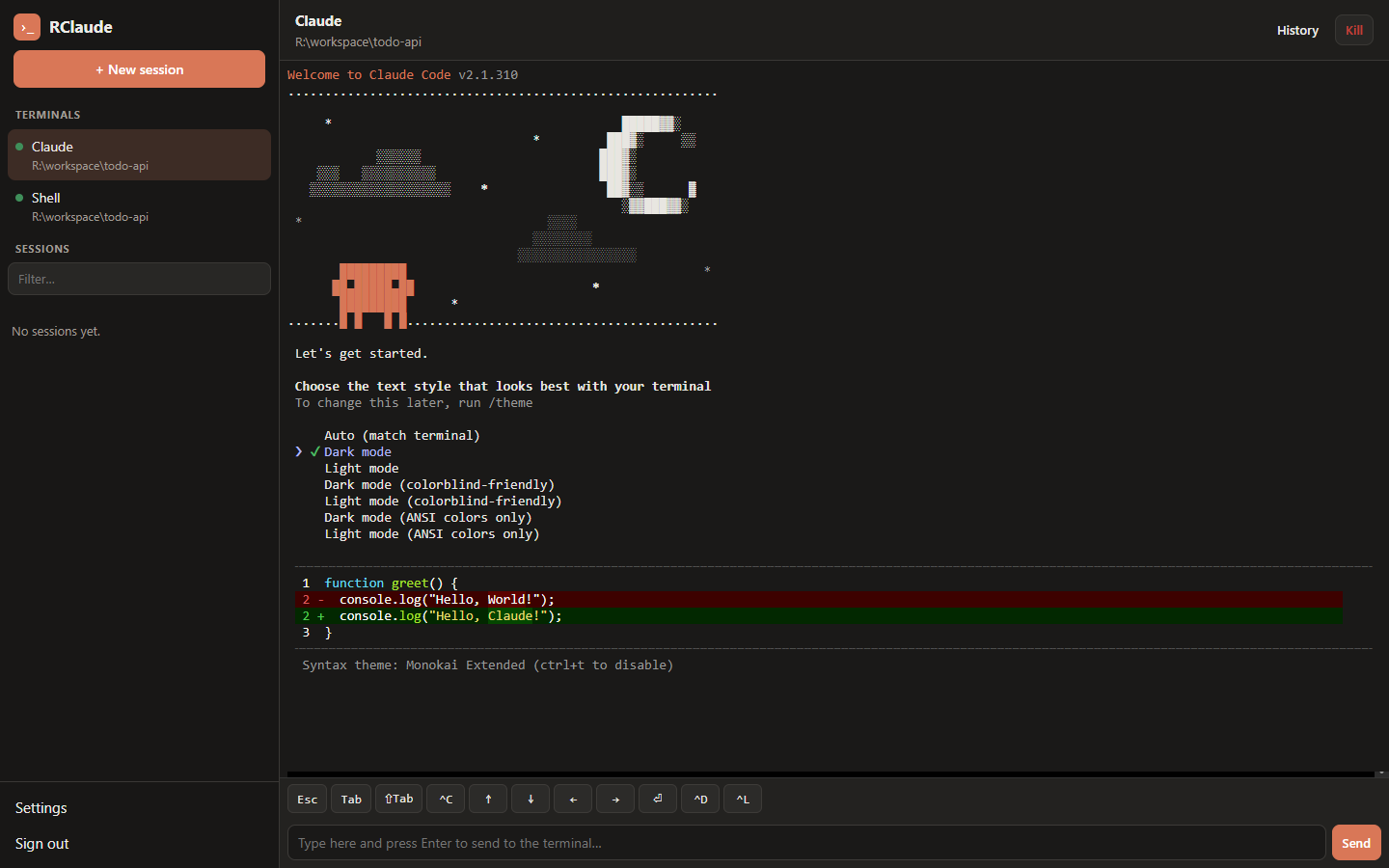
Terminal mode is the actual interactive Claude Code console: xterm.js in the browser, a WebSocket, and a PTY on the server. Terminals keep running when you close the tab, so you can start something on the laptop and reattach from another device. There’s also a plain shell next to it.
Chat mode is built on the Claude Agent SDK. It streams replies, and tool permission prompts and Claude’s questions show up as buttons instead of keystrokes. That’s the one to use on a phone.
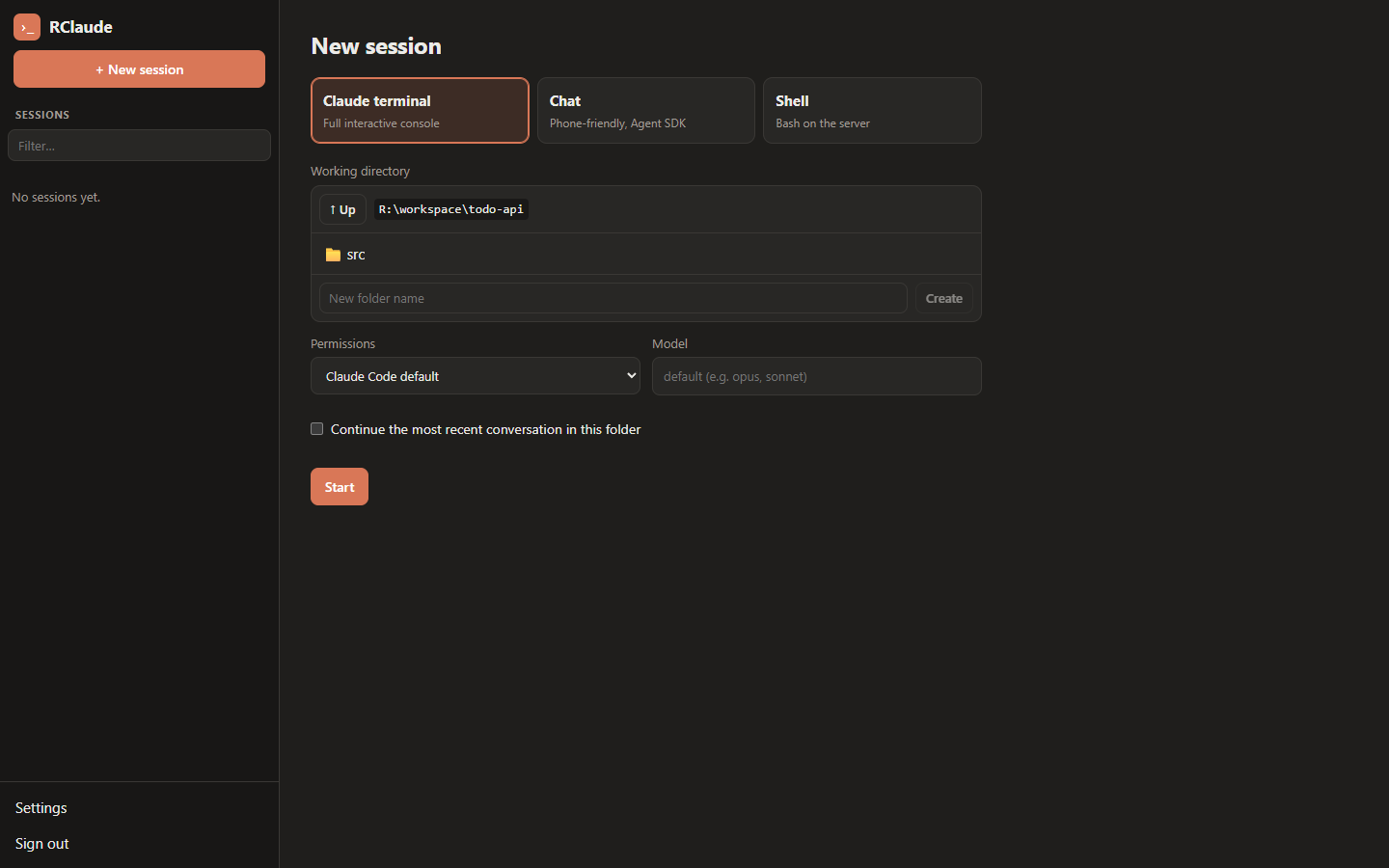
Both are normal Claude Code sessions, saved in the usual ~/.claude/projects/... history. A conversation started in one mode can be resumed in the other, and the sidebar lists, renames and deletes them.
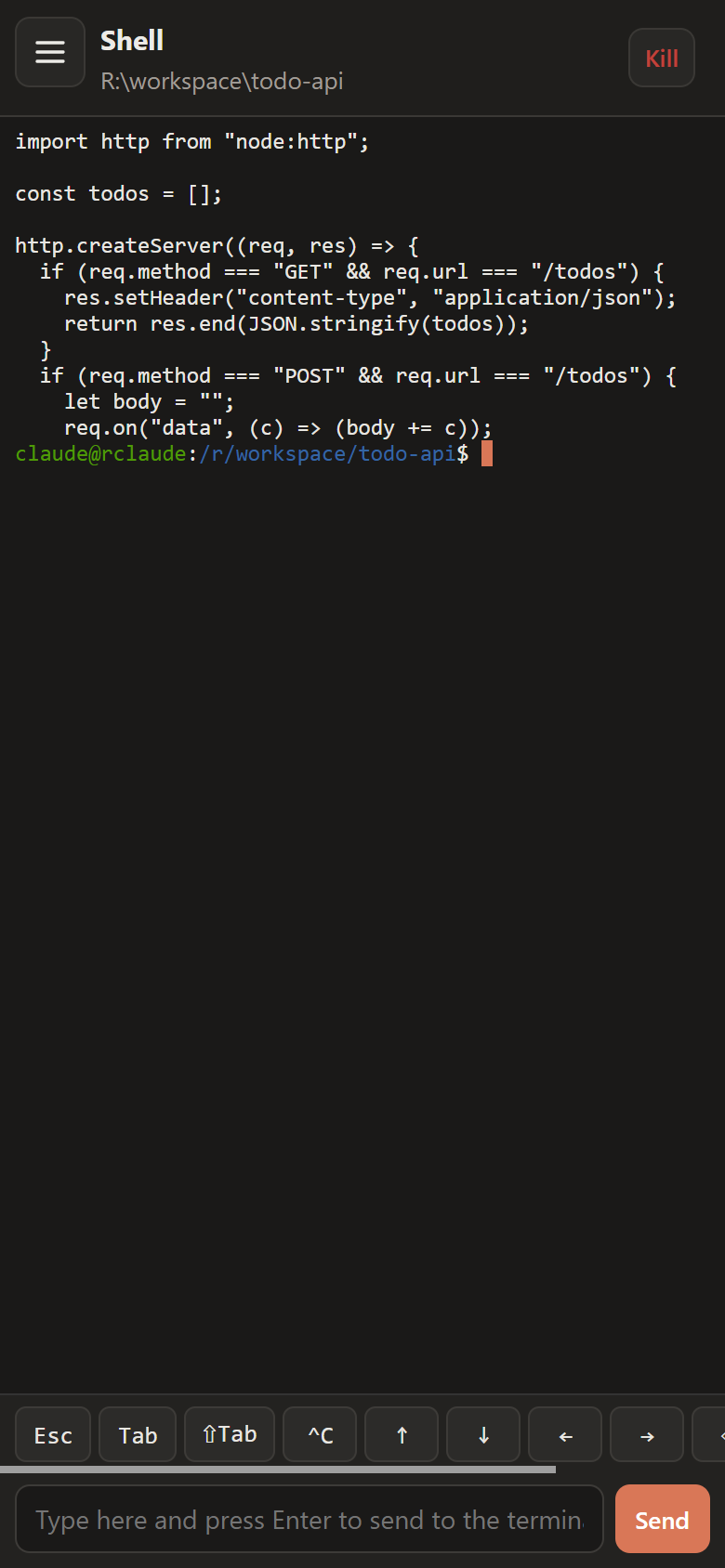
On a phone the terminal gets a key bar (Esc, Tab, Ctrl+C, arrows) and a text input, because a phone keyboard has none of those.
API and MCP
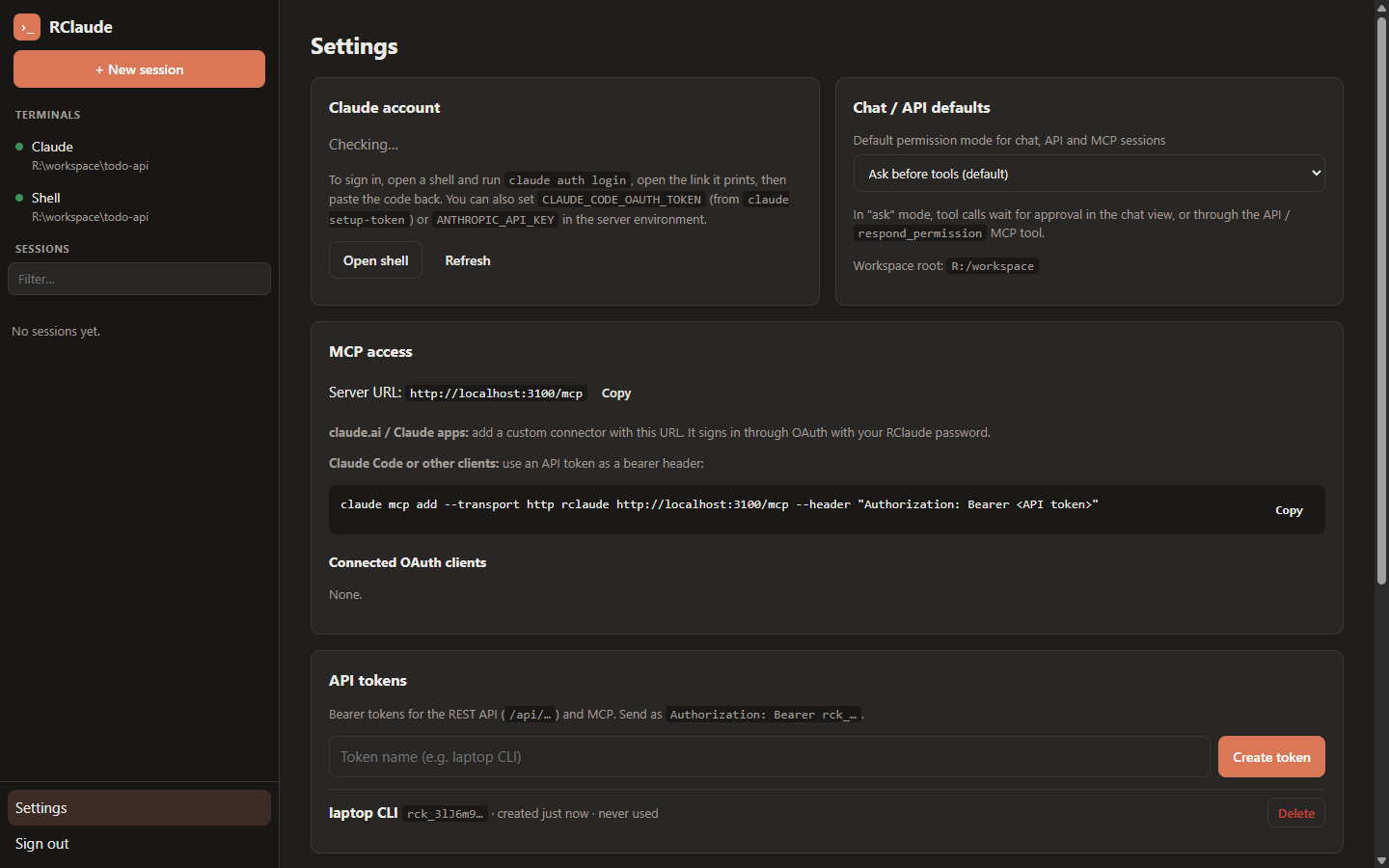
Everything the UI does is also a REST endpoint: start a chat, send a message, wait for the turn to finish, answer a permission prompt, read the transcript. Authentication is a bearer token you create in Settings.
1
2
3
curl -s -H "Authorization: Bearer $RCLAUDE_TOKEN" -H 'content-type: application/json' \
  -d '{"prompt":"Summarize the README in this repo","cwd":"myproject","wait":120}' \
  https://claude.example.com/api/chats
The MCP endpoint (/mcp, Streamable HTTP) exposes the same as tools: start_session, send_message, wait_for_session, respond_permission, get_transcript and a few more. You can add it to claude.ai as a custom connector (it signs in through OAuth 2.1 with your RClaude password), or to Claude Code with an API token:
1
2
claude mcp add --transport http rclaude https://claude.example.com/mcp \
  --header "Authorization: Bearer rck_..."
So a Claude on one machine can hand work to the Claude Code on the server and check back later.
Auth
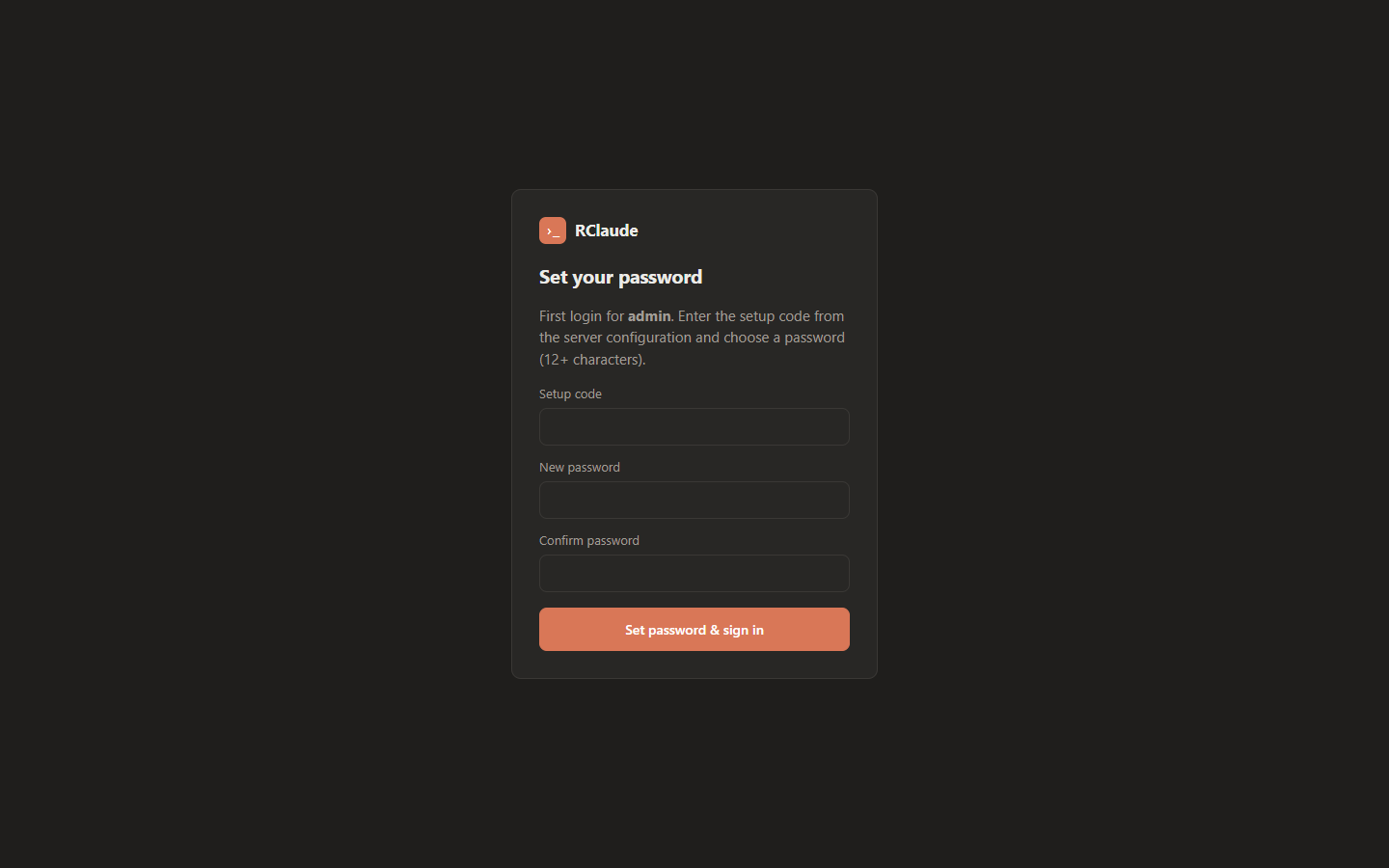
There’s one account. On first login the UI asks for a setup code from the server’s environment and a new password, and after that setup is disabled. Logins are rate-limited per IP with exponential lockout. The web UI uses an HttpOnly, SameSite=Strict cookie; the API and MCP use bearer tokens or OAuth.
Optionally it can sit behind a forward-auth proxy such as authentik. RClaude then verifies the signed ID token the proxy passes (signature, issuer, audience, expiry and the one allowed email) and skips its own login form.
Whoever gets past the login has a shell and a Claude Code with full tool access in the container. Use a strong password, keep the setup code secret, and consider SSO in front of it.
Host mode
By default Claude and the terminals run inside the container, confined to its two volumes. With RCLAUDE_HOST_SSH=user@host they run on the Docker host instead, over SSH, as a real login session of that user: their PATH, their groups, their Claude login and settings. The server only relays the I/O. If you also mount that user’s home into the container, the session list shows the host’s own Claude Code history, so sessions started locally and remotely are one list.
That’s convenient and it’s also a lot of power: if the host user has docker or sudo, logging into RClaude is effectively root on the host.
Install on Coolify
The README has the full steps. Short version:
- + New → Public Repository,
https://github.com/Lunat1q/RClaude, build pack Dockerfile, port3000. - Set a domain, plus two env vars:
PUBLIC_URL(the exacthttps://domain) andRCLAUDE_SETUP_CODE(a long random string). - Add two persistent volumes:
/home/claude(Claude login, history, app database) and/workspace(your projects). Without them a redeploy logs Claude out and wipes your code. - Deploy, open the domain, enter the setup code, pick a password.
- In Settings → Open shell, run
claude auth login. Or setCLAUDE_CODE_OAUTH_TOKEN/ANTHROPIC_API_KEYin the environment.
Any other Docker host works too; the README has a docker run line.
Limits
- One user. There are no accounts or per-user workspaces.
- Claude Code needs its own login on the server (a subscription login or an API key).
- Without host mode, Claude only has the tools in the image: Node, Python, git, gh, ripgrep, jq and the usual CLI basics. The container user isn’t root, so there’s no
apt install. Need more? Extend the Dockerfile or use host mode.
Get it
- Source: github.com/Lunat1q/RClaude, MIT
- Built with Node 24, Express, the Claude Agent SDK, the MCP TypeScript SDK, node-pty, xterm.js and React.